TOP_TOGGLEPIPINGMODE

Set Piping Mode
The Piping Mode Setting command has two states :
or

Below are the main differences :
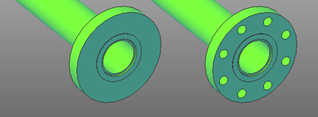
In simplified mode, it is possible to draw more freely, inserting symbols without size and/or class constraints, without the need to run checks and without having to evaluate component compatibility; the new pipeline dialog is simplified and the selection of Class and Size is disabled.
In advanced mode, the drawing becomes much more meaningful, with pipelines and components automatically filtered based on size and class, with advanced insertion only on compatible pipelines and advanced pipeline management regarding pressures, temperatures, and other information; it is also possible to run consistency and correctness checks customizable via LUA scripts.