TOP_PIPINGDIALOG
Piping Panel
Show/ Hide the main piping panel.
__________________________________________________________________________________________________________________________________________________________
Using the two combo-boxes Class and Size you can change the active configuration, that automatically updates based on the current pipeline part.
__________________________________________________________________________________________________________________________________________________________
Piping commands

__________________________________________________________________________________________________________________________________________________________
Using the Components section, it is possible to open the insertion dialog for the corresponding component type. Click here for more information.
__________________________________________________________________________________________________________________________________________________________
From the Options section it is possible to quickly manage certain functions :
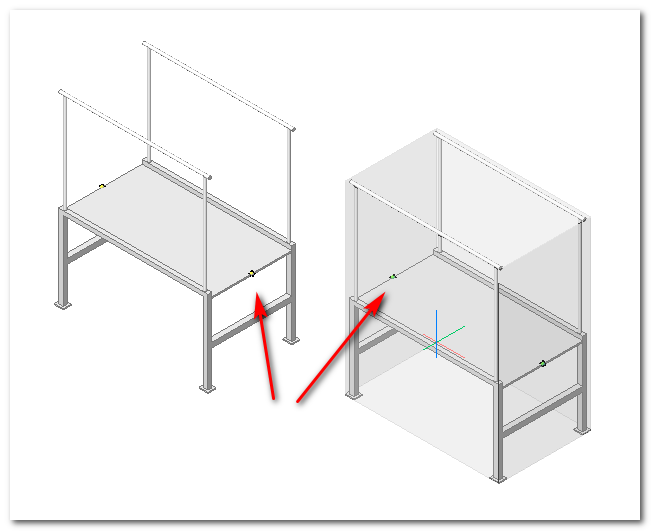
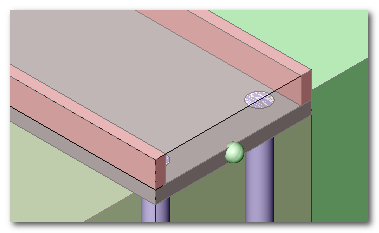
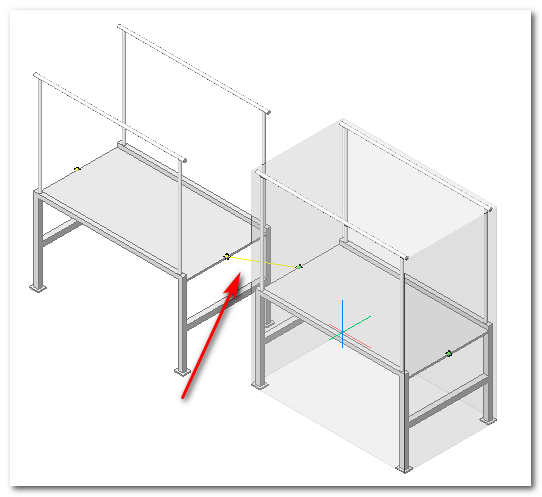
 - Magnet


__________________________________________________________________________________________________________________________________________________________
Dalla sezione Strumenti si può lanciare rapidamente comandi di utilità, ad esempio:
From the Tools section it is possible to quickly execute utility commands
