App LoaderQs
With the QsAppLoader application you can manage the loading of the Qs Mechanical Suite applications.
The application is located in the Qs Mechanical Suite installation folder, directly at the top level.
Launching it with a double mouse click brings up the interface shown in the figure.

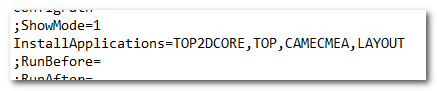
This executable allows you to configure the applications to be loaded into the CAD by directly editing the configuration fileQsStart.ini.
Each button in the interface represents a single application of the suite; this means that an authorization key will be requested for each selected module.
The applications selected during installation are marked with a green star, while a black flag in the top right corner indicates the applications currently loaded.
With the buttons at the bottom of the window you can restore the modules to be loaded to those of the first installation, save a new configuration without doing anything else, or save and start the CAD of reference, loading the selected modules.